1. Record the play
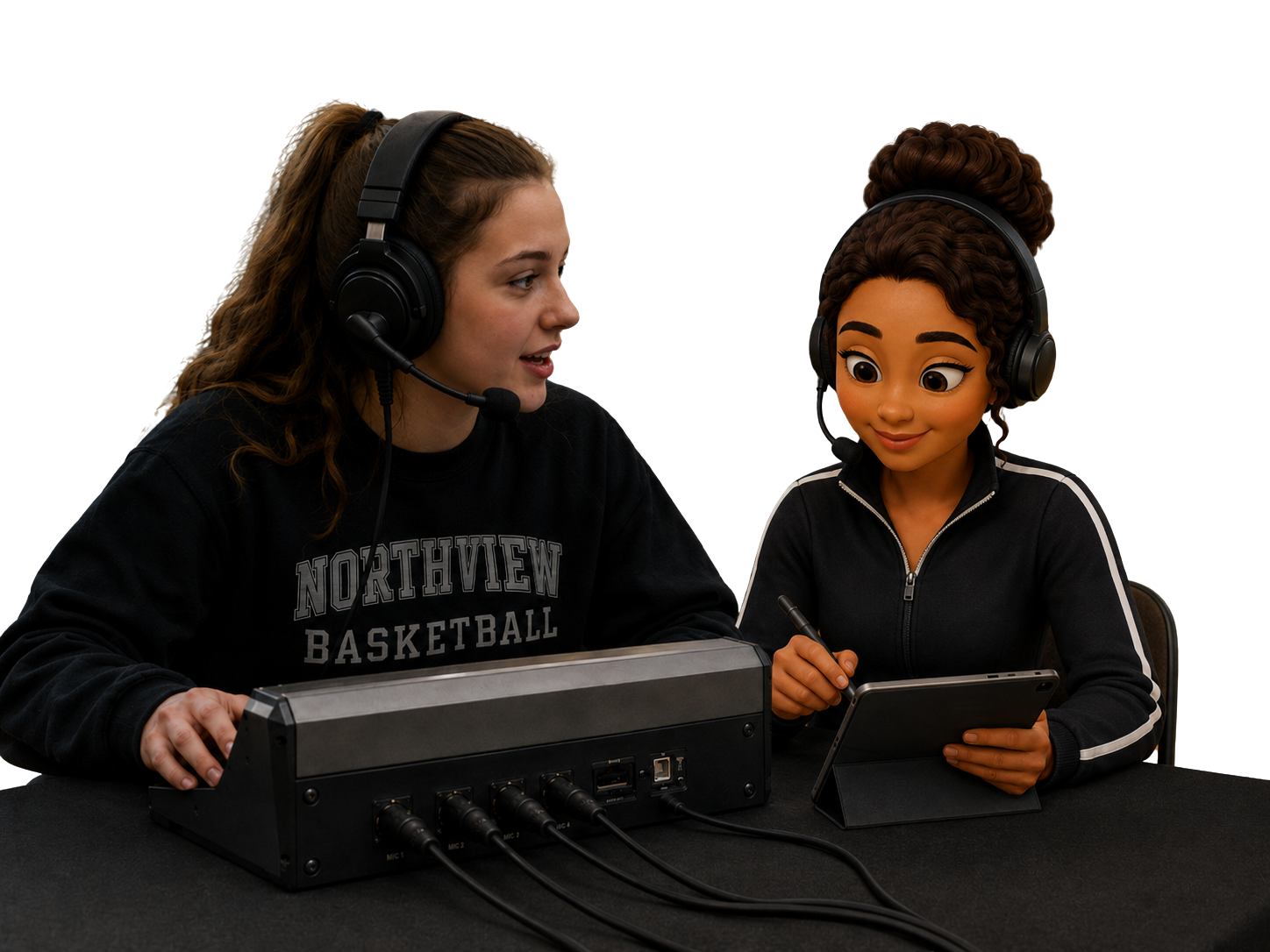
Use the fast tap interface or speak naturally to Nina or Owen at the scorer’s table.
Velocity is an AI-powered basketball scorekeeping, league management and tournament management platform. Record every possession by tap or voice, and automatically update live scores, player statistics, standings, schedules, brackets and public game pages.

Nina · wake word “Hey Nina”
| Green | PTS | REB | AST | PF |
|---|---|---|---|---|
| #1 Rivera | 14 | 3 | 5 | 2 |
| #7 Okafor | 11 | 6 | 4 | 1 |
| #12 Hale | 9 | 8 | 2 | 3 |
No duplicate data entry after the final whistle. Each recorded play flows automatically through every part of your basketball organization.
Use the fast tap interface or speak naturally to Nina or Owen at the scorer’s table.
Live scores, box scores, player and team statistics, standings and results update automatically.
Publish current game, team, league and tournament information without uploading another file.
Velocity is built around what actually happens at a scorer’s table, not around a spreadsheet someone fills in afterwards.
Set quarters or halves, home and away, and pick jersey colours so the table can call a player “green 1” instead of hunting for a name. Rosters and numbers come straight from your teams.
Every action lands live: makes and misses, free throws, personal and team fouls, substitutions, timeouts, the clock. Speak it and confirm once, or tap it in. Got it wrong? Undo and edit are right there in the history.
The final whistle leaves you a finished game record and a printable scoresheet. On higher plans it also feeds past-game stats, athlete pages, standings and the public pages fans are already watching.
Voice isn’t a replacement for the table; it’s what lets you keep your eyes on the floor. Use whichever the possession calls for.
The full table, laid out for speed and built to survive a real game.
Two assistants with their own avatars, included on Advanced and Organizer plans. Pick your default in Scorekeeping Settings.
Start with the essentials and turn on advanced stats when your table is ready for them. All of it feeds the same live game.
Nobody re-types a box score. What happens at the table becomes the team site, the standings and the page the parents are refreshing.
Clear controls, quick corrections and a layout that survives a fast third quarter. Your table stays on the game instead of on the tablet.
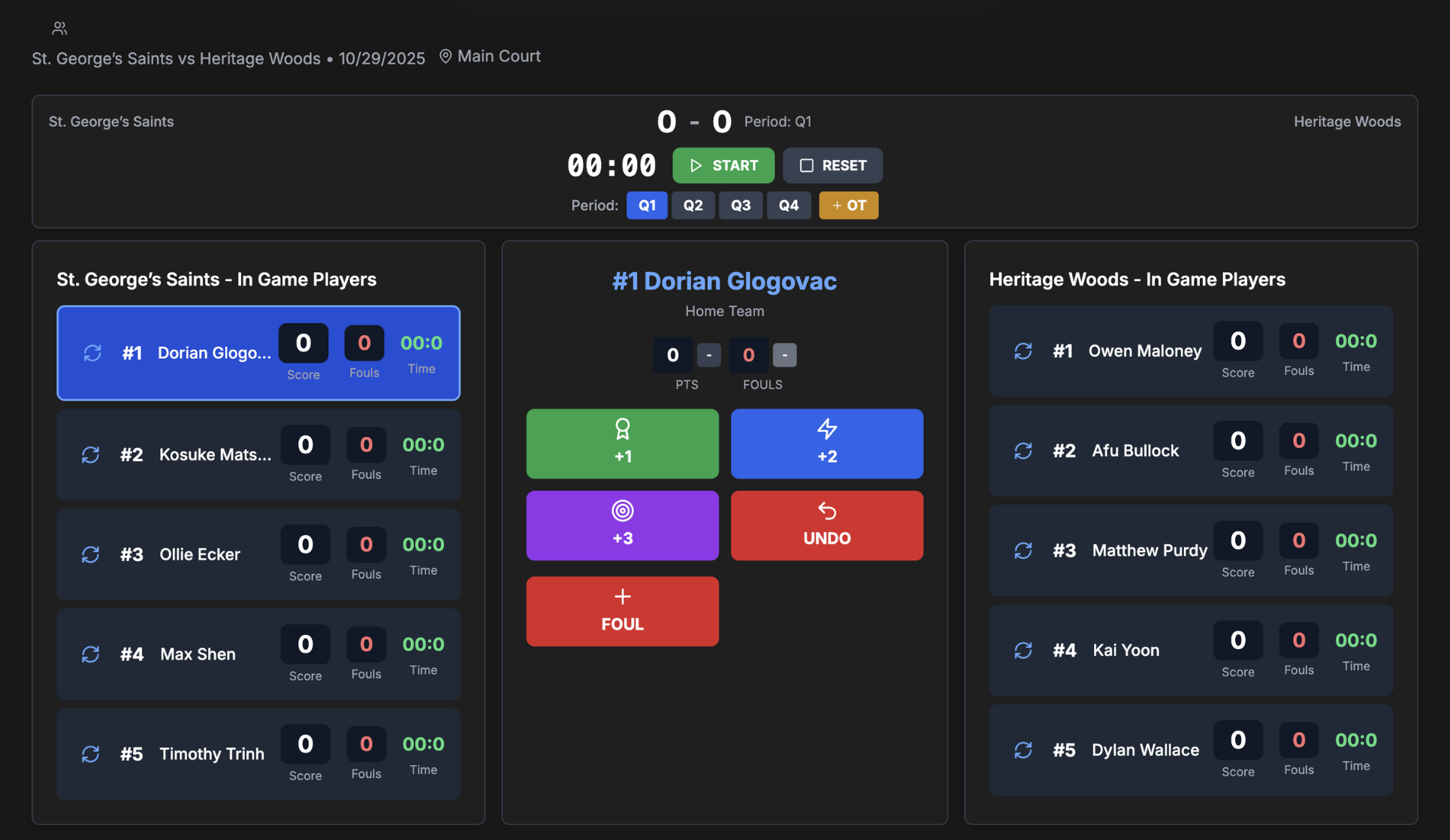
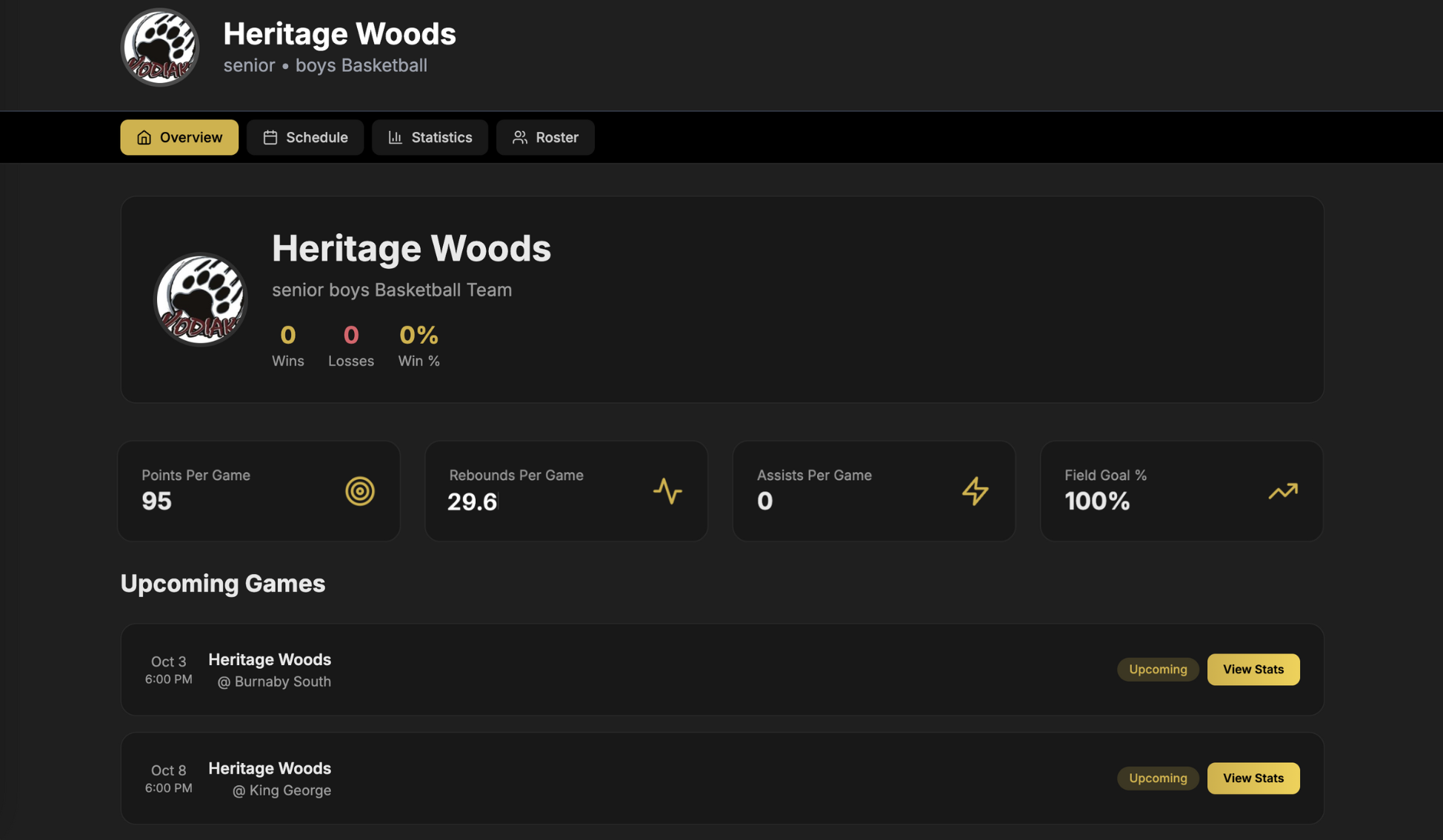
Build teams with rosters, jersey numbers and logos, then let the games publish themselves. On eligible plans your team website carries the overview, schedule, stats and roster with no manual uploading.
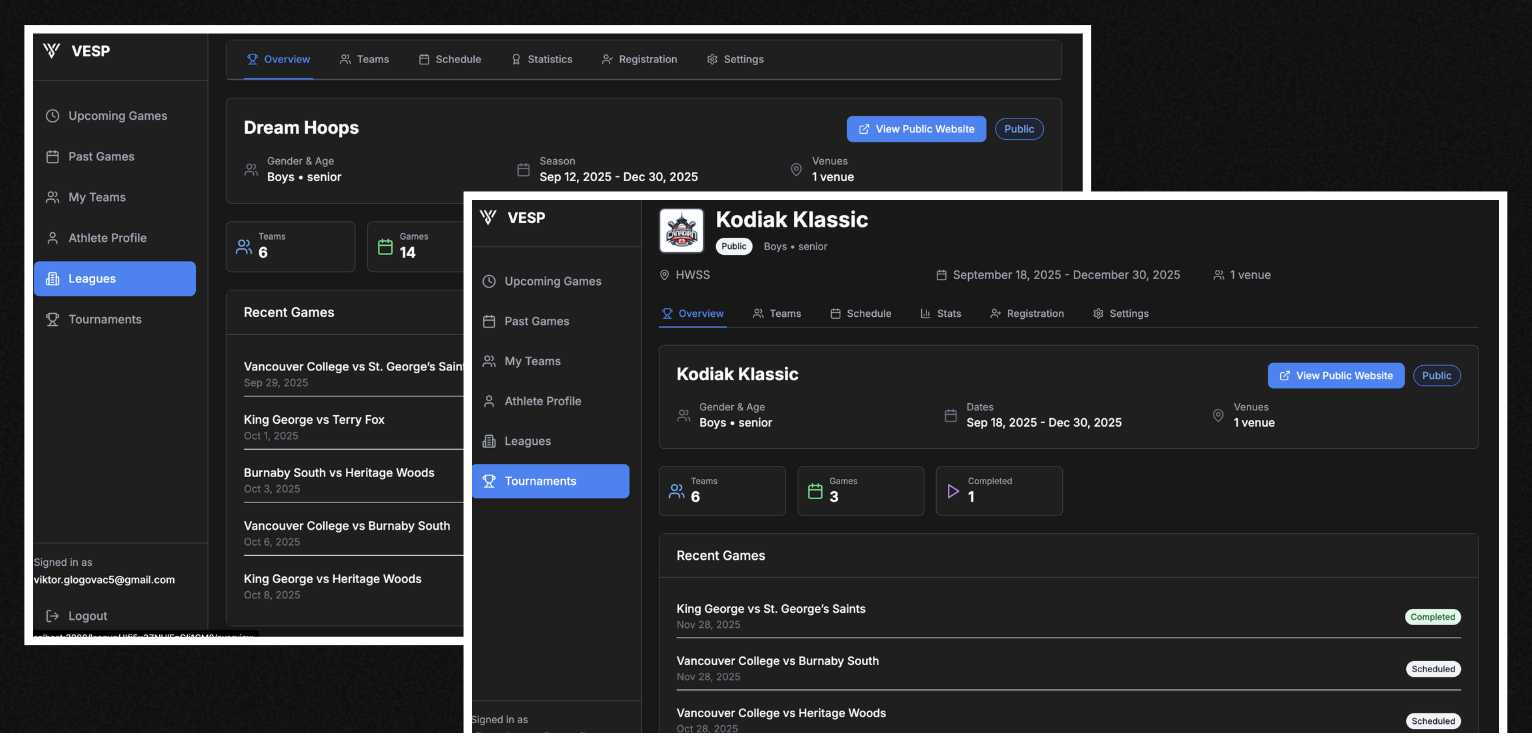
Create basketball leagues, add teams, manage schedules and registrations, and automatically update standings and competition statistics the moment a scorekeeper finishes a game.
Manage team registration, schedules, seeding and brackets in the same platform used at the scorer’s table. Live game results flow into standings, tournament statistics and public pages without copying scores between tools.
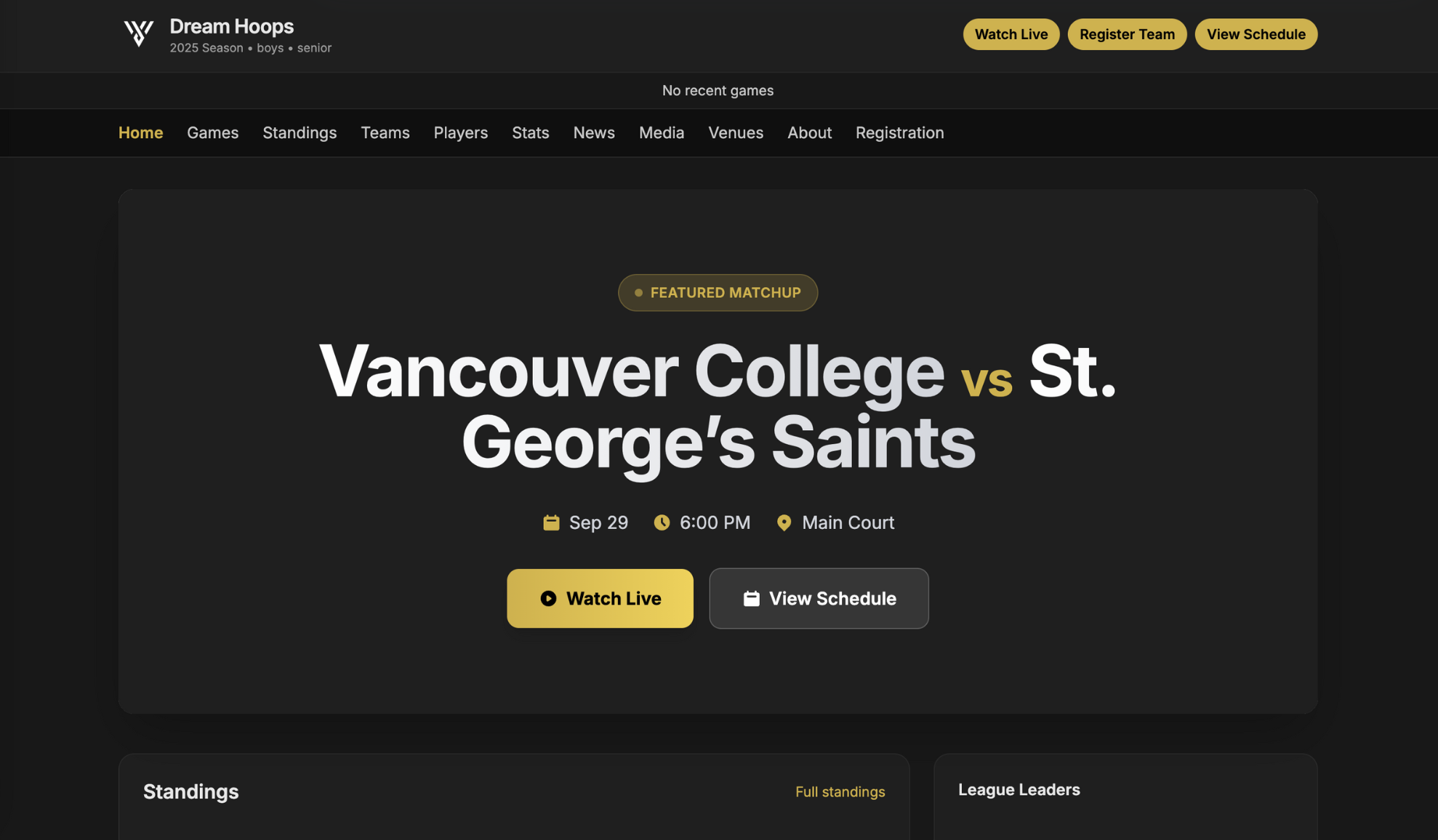
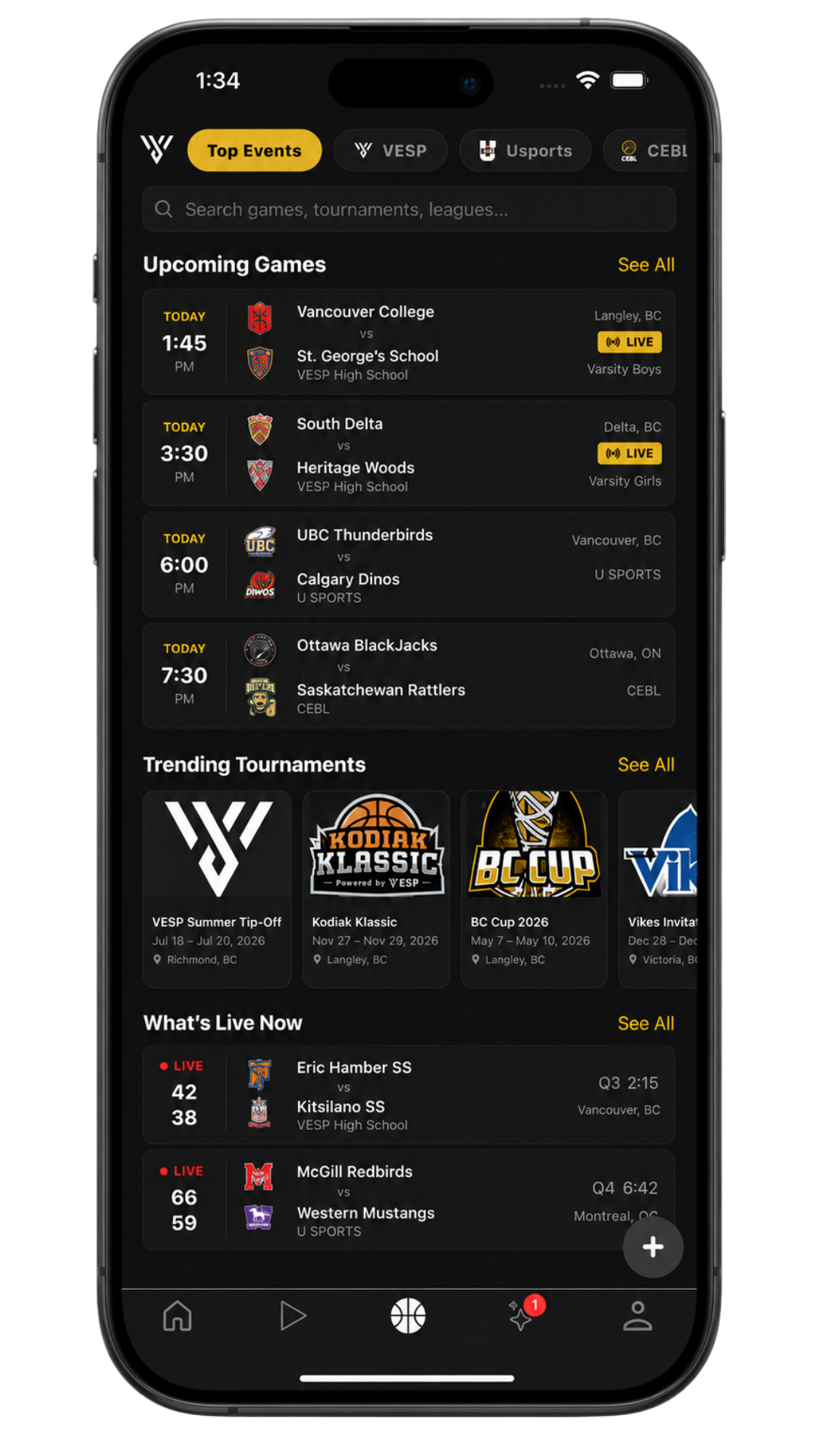
Live scores and game pages, standings, teams, players and venues, plus watch-live surfaces and a live ticker. Parents in the stands and family three time zones away see the same thing.
The demo is the easy part. Velocity is built for the Saturday with four games back to back and a parent covering the table for the first time.
Keep scoring when the connection drops. Everything syncs when you’re back.
Version and history recovery on games, so a bad sequence can be rolled back.
Practice, a quiz and a printable certificate, so new scorekeepers arrive ready.
Each organization's data stays isolated, with roles and member access managed per account.
Three plans, sold per team or per organization. Current pricing lives on the plans page.
Core scorekeeping
AI voice & team website
Leagues & tournaments
Velocity is VESP’s basketball scorekeeping system. A scorekeeper opens a game at the table and records what happens: makes, misses, fouls, free throws, assists, rebounds, steals, blocks, turnovers, substitutions, timeouts and the clock, by tapping or by speaking. Every action updates the live game, and when the whistle stops you have a finished game record, a printable scoresheet and, on higher plans, deeper stats and public pages.
Velocity has a gym mode with speaker lock, and it works walkie-talkie style: the microphone is off while the assistant is speaking, so it never fights its own echo. Nothing is saved until you confirm it out loud, and a typed fallback is always available if you’d rather not talk.
No. Everything in Velocity can be tapped in at the table, and voice is an optional layer on top. Many tables mix the two: tap the routine plays, speak the ones that would otherwise mean looking away from the floor.
Scorekeeping is offline-tolerant. You keep recording the game, and everything syncs once the connection is back. Games also carry version and history recovery, so a bad sequence can be rolled back.
Yes. Velocity supports multi-scorekeeper games where responsibilities are split; for example, one person records shots while another handles fouls and assists. When a play needs input from the other person, they get a follow-up prompt.
Each game carries a soft voice budget so a runaway session can’t burn through the account. You can always switch to typing or tapping if you’d rather not talk.
Yes. Velocity Organizer connects basketball league and tournament management with live scorekeeping. Manage teams, registrations, schedules, seeding, brackets and standings, then publish live scores, statistics and public competition pages from the same game records.
Basic covers core scorekeeping for a single team’s games by tap only; it does not include AI voice scorekeeping. Advanced adds AI voice scorekeeping with Nina and Owen, plus past games, athlete pages, deeper stats and a public team website. Organizer is for running leagues and tournaments at scale, with caps on leagues, teams and managers. Current pricing is on the plans page.
Pick a plan and run your next game on it, or have us walk your scorekeepers through it first.
Already set up? Register your organization.
Explore basketball scorekeeping software, league management, or tournament management.
See how Velocity runs at your table: voice, tap, leagues, the lot.